
The report is done before you're back in the truck.
Built by a NICET Level IV fire alarm contractor and a senior software engineer, so the questions read the way a technician talks, not the way a form wants. Fifteen inspection programs, one app, one flat price, and it will give you your evenings back.
$125 a month, plus $25 a technician. No implementation fee, no card to start.


Joe Montuori, NICET Level IV fire alarm contractor, and Sam Zimmerman, senior software engineer. Madison, CT. Meet us

A fire alarm contractor who speaks your language, and an engineer who builds what he hears.
Most inspection software is designed by people who have never put a system on test. CodeGreen is built by Joe, an active NICET Level IV fire alarm contractor who is out testing devices and closing out reports every week, working side by side with Sam, an enterprise-level software engineer.
Joe knows why a conventional panel has device numbers instead of addresses, why a Flexput zone of pull stations belongs next to the addressable loop, and which call you make before you pull a station. Sam turns that into software that holds up in a basement with no signal. That is the difference: nothing in CodeGreen had to be explained to the people who built it.
The money does not really go to us. It goes back to your technicians and their time: the hour at the kitchen table that they get back, the questions they are not asked twice, the report that is finished when they close the truck door. A happy technician makes for a happy boss, and we have both learned that one first hand.
When you email support, you reach the two of us. When you ask for a feature, the person who hears it is the person who builds it. See what's new
“I got tired of small shops being priced out, and still getting asked about systems that aren't even on the property.”
Joe, on why he built itOffice and shop: 1 Orchard Park Rd, Madison, CT 06443
What is the paperwork actually costing you?
Fifteen minutes of every inspection spent writing N/A down a section the building does not have, then checking you did not miss something real in among it. Put your own numbers in.
Your shop
Drag to match how you actually work.
That is 360 hours a year your technicians spend on questions the building could never answer.
CodeGreen asks what the building has, once, and then never asks again. No central station on the system means no central station section, on the phone or on the report. That is time back in the field on every visit, and a visual schedule that is billed rather than left on the table.
And the visual inspections you are not billing
In CodeGreen a visual is its own inspection schedule, with its own frequency, its own due dates and its own fee. It applies to fire alarm and to water-based systems alike.
It matters most on a protected premises fire alarm system that was grandfathered in and is not being monitored: the code holds those to a tighter inspection frequency, so the visual schedule is not the annual schedule. Remote annunciators, meanwhile, want a visual every year whatever else is happening.
120 visits a year, scheduled on their own frequency, tracked and invoiced.
Fifteen inspection programs. One app. One price.
Every service schedules the same way, inspects the same way on the phone, and prints the same clean report. Put three of them on one visit and the customer gets one combined report.
Fire & Life Safety 7 services
- Fire AlarmNFPA 72
- Emergency LightingNFPA 101
- Fire ExtinguishersNFPA 10
- Call For AidInternational Fire Code
- Hood SuppressionNFPA 96 · UL 300
- Hood Exhaust CleaningNFPA 96
- Fire DoorsNFPA 80
Water-Based Systems 8 services · NFPA 25
- Fire SprinklerWet, dry, preaction, deluge
- Standpipe & HoseClass I, II, III
- Fire PumpsElectric & diesel, with curve
- Private Fire MainsHydrants & mains
- Water Storage TanksHeated & unheated
- Water SprayFixed systems
- Foam-WaterSprinkler & spray
- Water MistFixed systems
No add-on modules. Schedule a water-based visit at its NFPA 25 interval, weekly through five-year, and the technician is asked exactly what's due for that kind of system. Nothing missing, nothing extra.
Read the report before you buy anything.
Nobody in this trade shows you their reports. You're expected to sign up and find out. These are real PDFs, exactly as the app produced them. Print one, hand it to your AHJ, see whether it holds up.
The pump curve draws itself.
Record churn, 100% and 150% flow on the phone and the curve plots live against the manufacturer's curve and the 95% line. Any point below it is flagged, and last year's curve prints beside it.

Before and after, on the page.
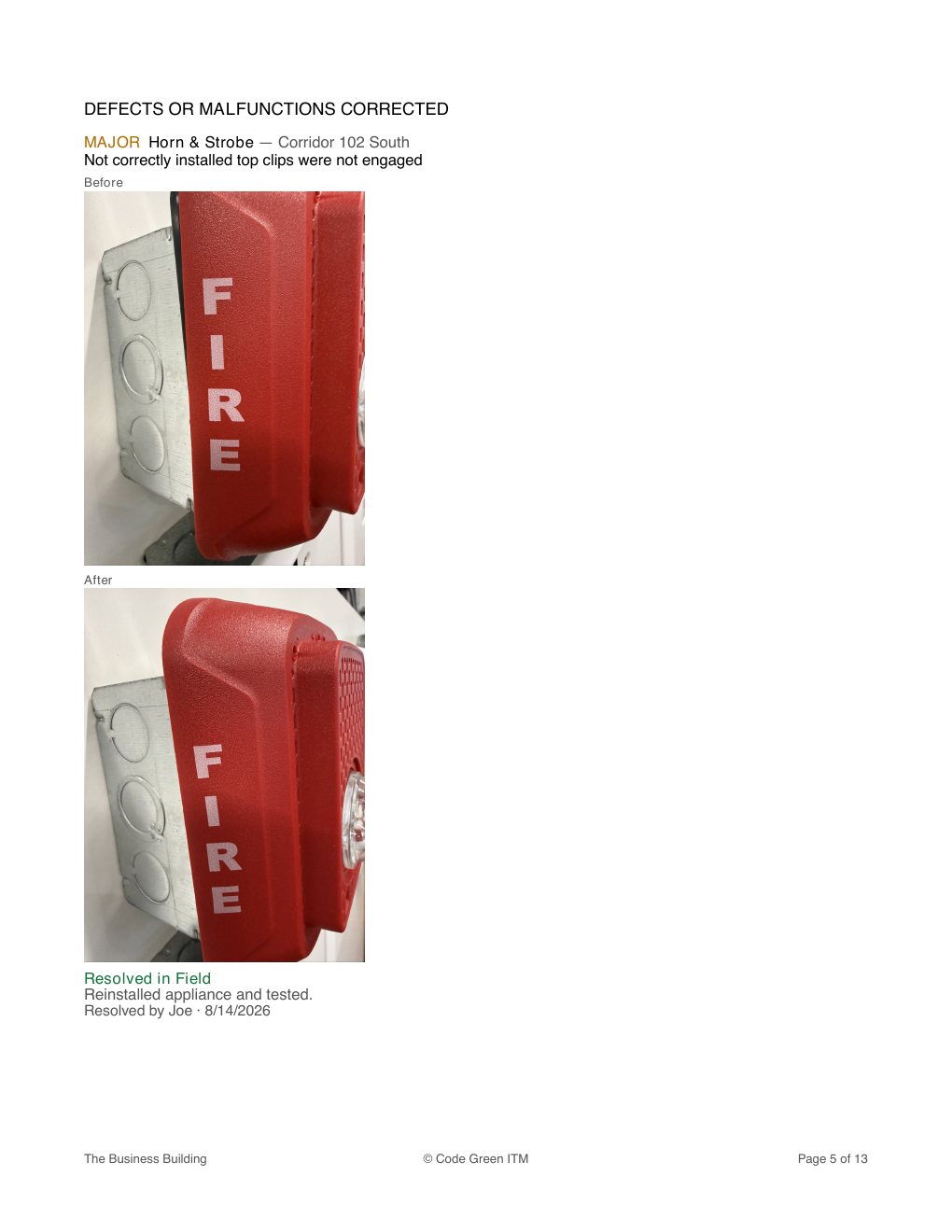
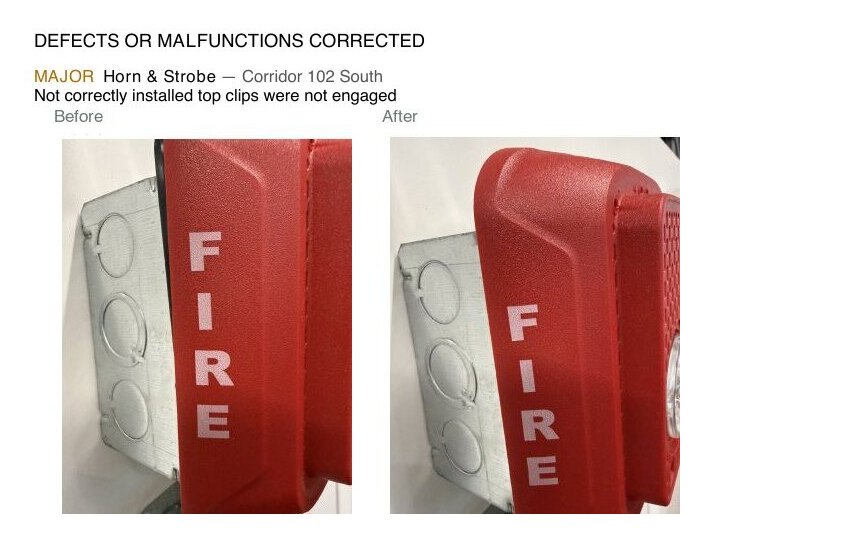
A problem found and fixed on site prints with its severity, what was wrong, and both photos. The customer sees the work, not a line item.
 Fire alarm, NFPA 7234 initiating devices and 26 appliances, addressed and tested. 6 pages.
 Fire sprinkler, annualWet and dry risers at their NFPA 25 interval. 19 pages.
 Fire pump, annualDiesel pump, full flow test and the performance curve. 11 pages.
 Hood suppression, NFPA 96Two hoods, nozzles, links, agent and the authority items. 6 pages.
 Hood exhaust cleaningGrease depth at filters, hood, duct, fan and roof, with the next cleaning date. 3 pages.
 Fire doors, NFPA 80Ten assemblies, swinging and rolling, with clearances. 13 pages.
Every report here came out of the app today, from one demonstration company. Your own logo, licence number and company details print in the header. Make, model and serial numbers stay internal.
Built from real days on real jobs.
Every feature either saves the technician time in the field or hands the office clean, compliant paperwork. If it does neither, it isn't in here.
A dispatch board for the whole crew
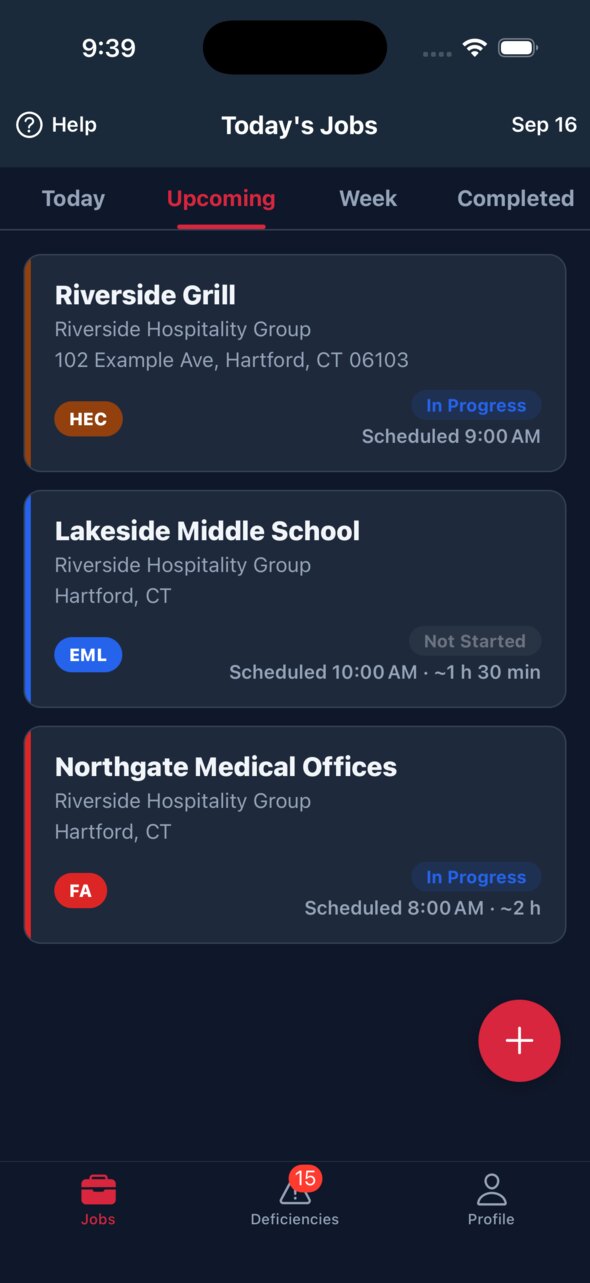
Day, week and month views with every technician's visits live as they update from the field. Schedule from the board, block time off, filter by service, and only see technicians qualified for the work.
Included in your plan, and entirely optional. A one person shop can switch the board off in Settings and never look at it again.
Technicians matched to what they're certified for
Mark which services each person is qualified to perform. Set a technician per service on each property, and an unqualified pick is flagged before it's saved. Someone leaves? Reassign everything they hold in one step.
Visual inspections as their own visit
NFPA 72 asks for visuals more often than tests, and every other platform we have seen makes you run a full inspection or keep it on paper. Set the visual frequency on the property and a look, don't test visit is scheduled on its own cycle: only the visual items are asked, it carries its own due dates and overdue list, and it bills as its own line.
By a technician, for technicians
Every question was written by a contractor who still runs these inspections, so it asks what the job asks, in the words the trade uses. Nobody had to explain the work to the people who built this.
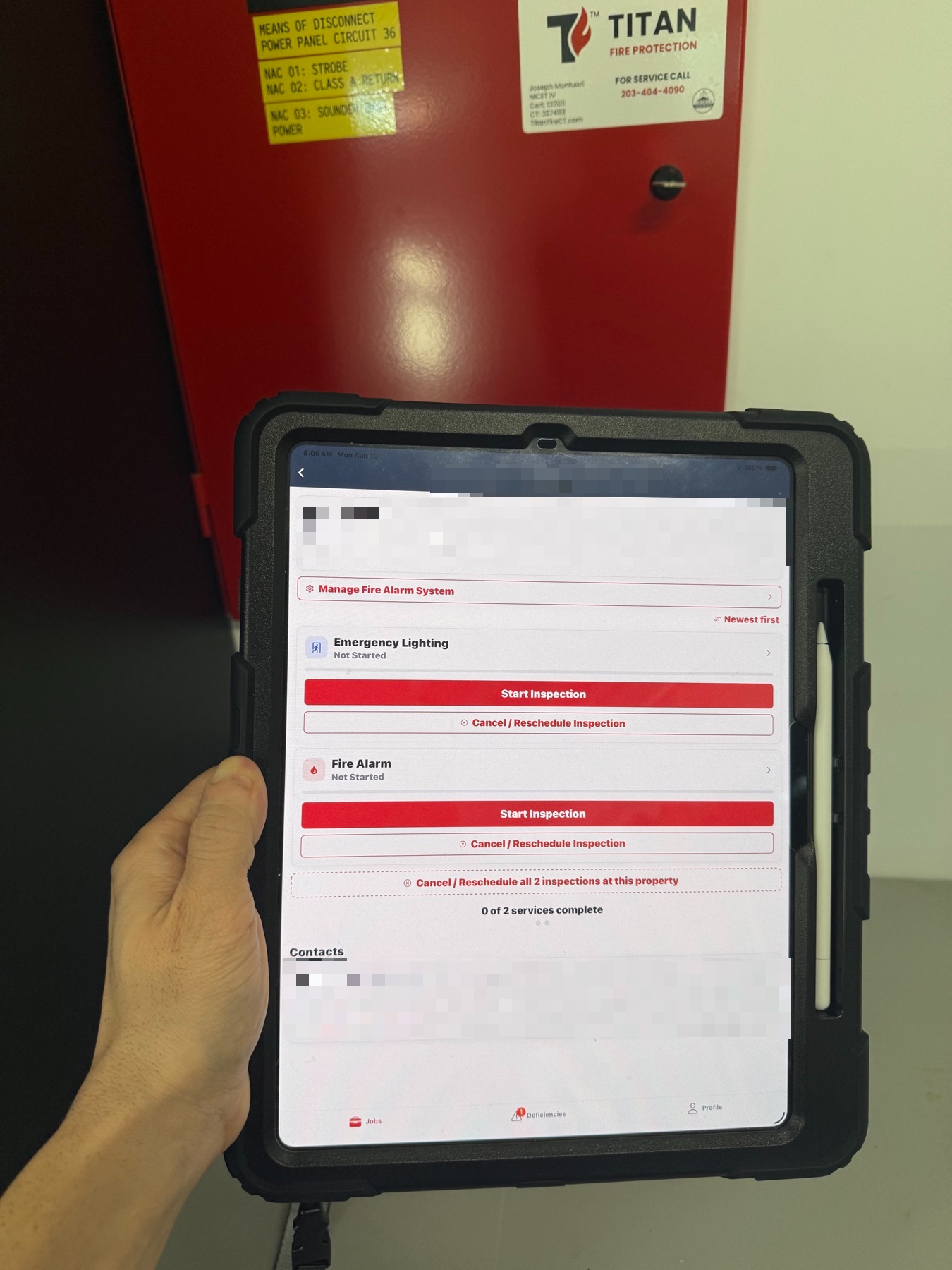
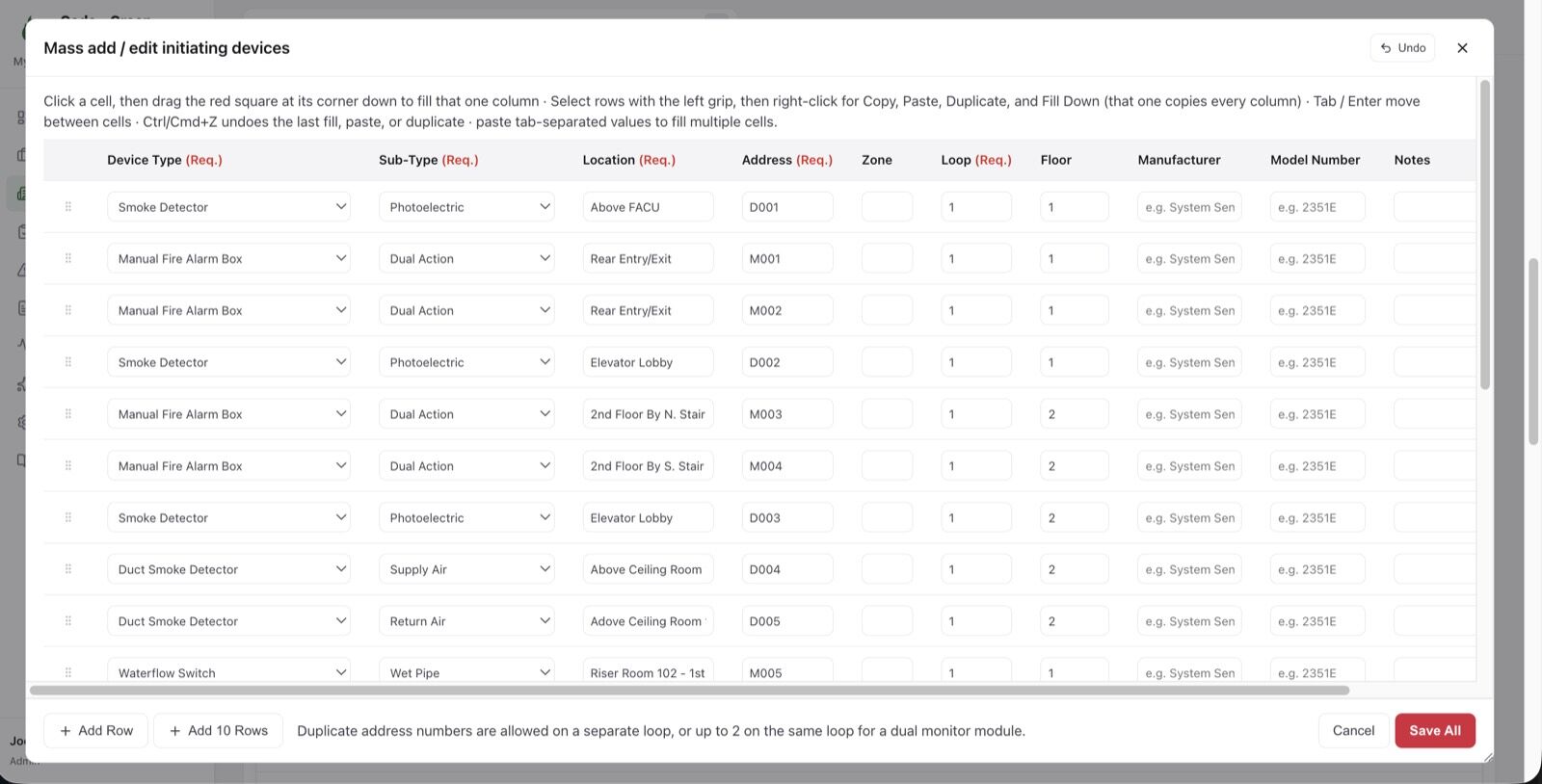
Twenty devices in a minute
A spreadsheet-style Manage grid on every register, with real dropdowns, paste and fill-down. Only the rows you changed get saved.
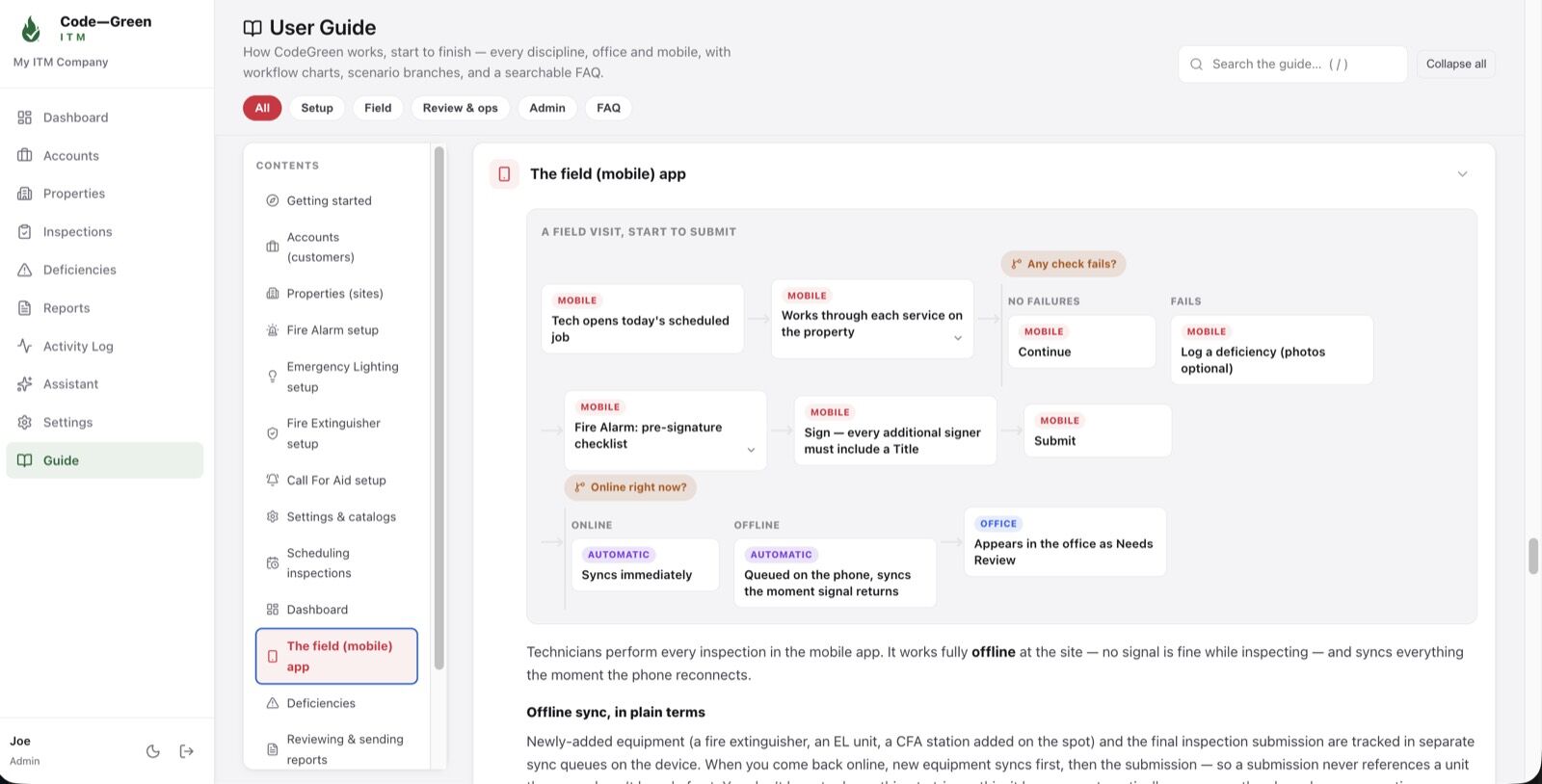
A guide written from the real screens
Every discipline's workflow, searchable, on the office app and on the phone, and readable with no signal.
Hand a deficiency to your subcontractor
Pull a report for one deficiency, or a set of them, and send it to the trade that fixes it. The electrician takes the emergency lighting work, does it, and it comes back recorded as resolved by others, with who did it and when, on your report.
Set up in the order that fits your shop
The first time you sign in, the app asks how you run and builds a setup list around your answers, so the system is shaped to your shop from the start. Switch on only the services you sell today and add the rest as you grow. No implementation call, no 90 day project.
Code knowledge built in
Answers the standard decides lock automatically, with the reason shown. A dry chemical hood system is never UL 300. A Class I standpipe has no hose dates.
Only asks what the building has
Set the property up once. No central station on the system? You're never asked a central station question. No more pages of N/A.
Sign up in the morning, inspect in the afternoon.
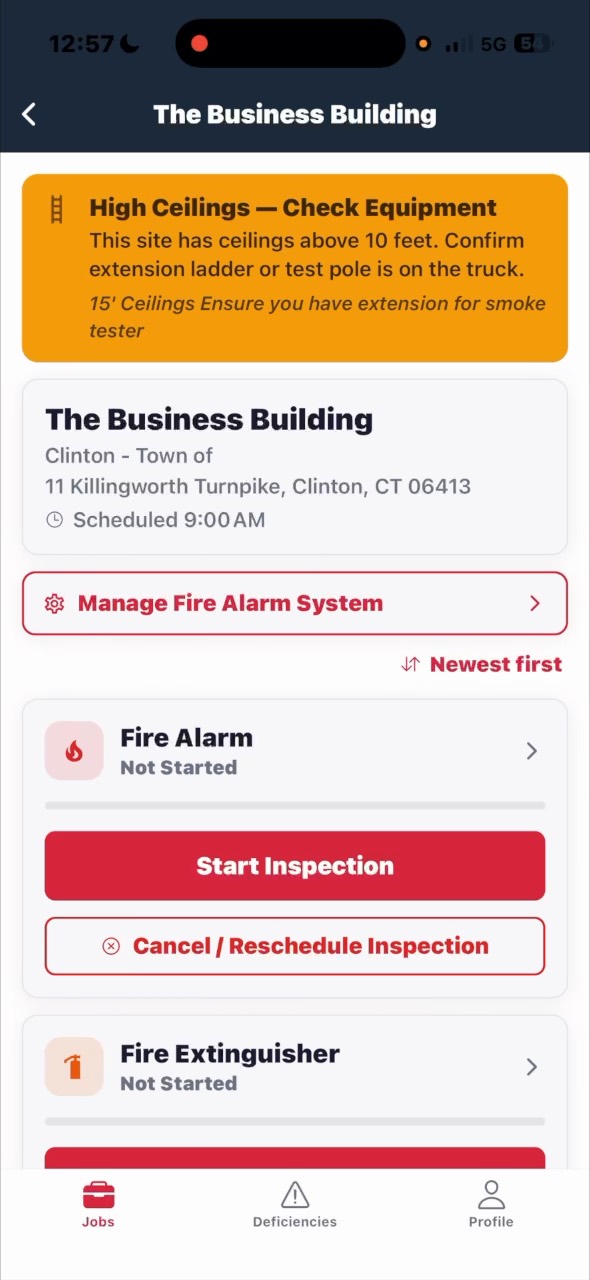
There is no implementation project and nobody to wait for. The app asks how your shop runs, then walks you through setting it up in the order that makes sense, and you can stop and come back whenever the phone rings.


You turn on what you sell today. Add a service the week you win the work, and the tabs, the schedule and the reports follow.
Drop in the panel's point report. Get the devices.
A point report, a device schedule, even a photo of a printed list. The assistant reads the rows and proposes each device, and nothing is saved until you have looked at it.


Both screens are the real import, run on a demonstration property while this page was written.
Start to signed report, nothing sped up.
A real fire alarm and extinguisher visit on the phone. No edits, no voiceover, no stock footage.
What you're looking at
- Create the visit and pick the services the building has
- Walk test procedure and panel notes, read at the panel
- Central station and AHJ notified, with times
- 29 devices, addressed and by floor, with Mark All Pass
- A failed device written up and fixed in the field, before and after
- HVAC shutdown and elevator recall
- Six extinguishers, unit by unit
- Sign, and both reports plus the combined report generated on the phone
Just under nine minutes, real time, one property.
And the office side
Actual screenshots from the application, taken today. Nothing is drawn, mocked up or staged.

The system, exactly as the code describes it
System type, NFPA 72 edition, monitoring, account number and transmission, plus the control functions that decide what gets asked in the field.

Every device on the panel, addressed
Initiating devices, notification appliances, interface modules and batteries, entered once and reused on every visit after.

Hoods with the facts NFPA 96 cares about
Suppression system and agent, UL 300 listing, appliances under the hood, cleaning frequency and the dates that drive the next visit.

Annual, six year and hydro, tracked per unit
Serial, type, size, floor and location, with the next date for each service and a status that turns amber before it is late.

Units, heads and exit signs
Every unit by number and location, with head counts and the battery details the test depends on.

Stations as their own discipline
Station number, voltage, floor and location, inspected and reported on their own, not buried in the fire alarm report.

NFPA 25 registers that gate the questions
Wet and dry risers, pumps, tanks and mains, each with the facts that decide which items are asked at which interval.

Doors, ratings and clearances
Every assembly with its operation, material, rating and floor, ready for the NFPA 80 checks and the clearance measurements.

The whole crew, the whole week
Day, week and month views with every visit live as it updates from the field. Drag from the due list onto a technician, and only qualified technicians turn green.

Your book of business on the front page
Recurring revenue split by service, what is overdue, what is due soon, and open deficiencies, first thing in the morning.

Deficiencies become work, not notebook entries
Severity, status, days open, who found it and the photos from the field, tracked until it is quoted, fixed and closed.

The day’s work, grouped by building
Filter by service, status, review state, technician and date, batch schedule a whole account, and save a filter as a view.

A guide written from the real screens
Every discipline’s workflow, searchable, in the office and on the phone, and readable with no signal.
Priced around the small shop.
Your time is worth something, and we're not going to make you sit on a Zoom call to hear a price. It's right here, it's the same price the next shop your size gets, and there's no introductory rate waiting to jump at renewal.
Use it for a month and it pays for itself in the part you actually care about: reports finished before you leave the site instead of at the kitchen table.
Running a larger operation? White labeling is available, so the app and the reports carry your own branding. Email us and we will sort it out.
Includes your first technician. Each additional technician is $25 a month, up to six.
One to six technicians. Six technicians is $250 a month.
Less than $100 a technician for companies starting with seven or more. Nothing added on top.
You keep your small-shop price for your first six technicians. Each technician you add after that is $95 a month. Hiring never raises the price of the crew you already have.
Small shop $175 / month
Already with us and growing to 7? $345 a month.
- Add and remove technicians as the crew changes
- All 15 inspection programs, dispatch board and reports
- Unlimited properties, systems, devices and reports
- iPhone, iPad and Android apps, office app in any browser
- No implementation fee, no card to start
- Cancel any time from your own account
Places are limited. Every application is read one at a time.
The things shops ask us first.
Do I pay extra for sprinkler, hoods or fire doors?
No. Every inspection program is in the $125 a month, from fire alarm to fire pumps. Turn on the ones your shop does and ignore the rest.
How does pricing work as the crew grows?
$125 a month includes your first technician, and each additional technician is $25 a month, up to six. Six technicians is $250 a month. Companies starting with seven or more technicians pay $95 a technician, and that is the whole price. If you grow past six while you're with us, your first six keep the small-shop price and each technician after that is $95 a month. That rate applies once you've been on the Small shop plan for 90 days. Add and remove people as the crew changes, and cancel any time from your own account.
Can it carry our own branding?
Yes. Your company details, licence number and logo print on every report as standard, and for larger operations we offer white labeling of the app itself. Email [email protected] and we will talk it through.
Does it really work with no signal?
Yes. Jobs, registers, inspections, photos and signatures are held on the phone. You can even build a fire alarm system from scratch in a basement. Everything syncs when you're back on a connection, and the app shows you exactly what's still waiting.
How do I get my existing buildings in?
Paste rows into a Manage grid, or drop in a panel's point report as a PDF and let it read the devices for you to check. The equipment catalog and inspection questions are already loaded when you sign in.
Will my customers see make, model and serial numbers?
No. They stay internal. The one exception is kitchen hoods, where the hood and suppression system manufacturers print, because they're different companies and the customer needs to know both.
What does “in testing” mean for me?
We're taking on a limited number of shops for the final round. You get 60 days free instead of the standard 30, no card, and a direct line to us. In return, tell us what's wrong and what's missing. This stage is about building what you tell us, not filling seats.
What if I have a question before I join?
Email [email protected]. It comes to Joe and Sam.
Get your evenings back.
Join us. 60 days free, no card, no onboarding fee, and the two people who build it on the other end of every email.
Free to anyone either way: the Learning Center, calculators and code reference, and CodeGreen Tools on iPhone or Android.